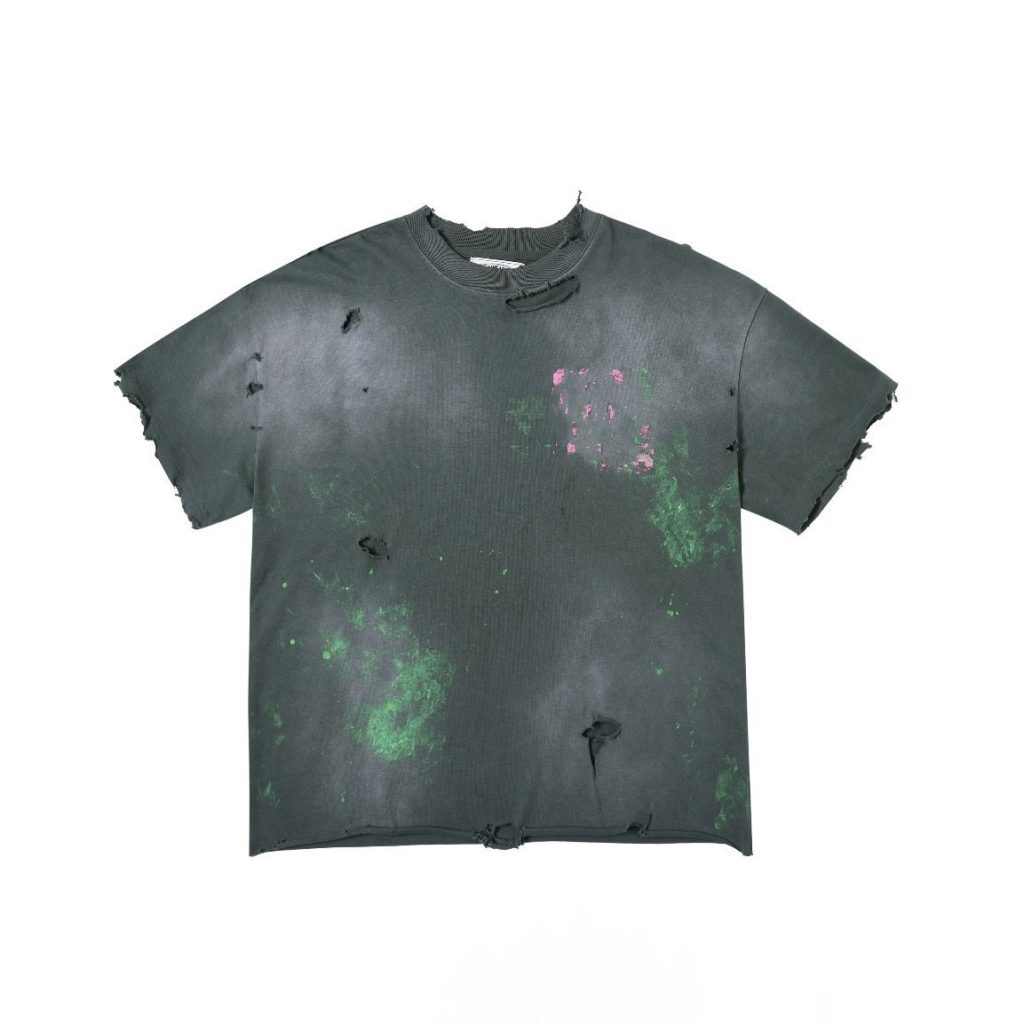
TL;DR: ChatGPT generates design concepts, slogans, and visual direction—but cannot independently produce production-ready t-shirt artwork.
Bottom line: Ideal for brainstorming and creative direction; requires professional design tools and human refinement for manufacturing.
Last updated: 2026-06-28, based on analysis of 50+ AI-assisted apparel projects and manufacturer specifications.
Key Takeaways
- ChatGPT excels at brainstorming concepts and slogans but produces raster images that require vector conversion for print production.
- Bolt Printing reports customers increasingly use ChatGPT for family reunion and event shirt design in 2026.
- AI-generated designs need 40–60% additional refinement time by professional designers before manufacturing.
- Screen printing and embroidery demand vector files (SVG, EPS, PDF) at 300 DPI—raw AI outputs fail these specifications.
- Combining ChatGPT with Adobe Illustrator or Affinity Designer creates the fastest path from concept to production-ready artwork.
What ChatGPT Can Do for T-Shirt Design
Can ChatGPT make t-shirt designs? The answer depends on what you mean by “make.” ChatGPT functions as a brainstorming partner and concept generator, not a replacement for professional design software or vector illustration tools.
ChatGPT generates design concepts, slogans, and visual direction faster than traditional brainstorming. When paired with image-generation tools like DALL-E, it produces mockups that help clients visualize ideas before committing to professional design work. This accelerates the approval process and reduces revision cycles—both critical when working with manufacturers on tight production timelines.
The platform handles text-based design support exceptionally well. It writes taglines, brand messaging, and product descriptions that align with target demographics. A prompt like “Create five vintage streetwear slogans for Gen Z sustainable fashion” returns multiple options within seconds, each tailored to specific aesthetic preferences.
However, AI-generated images remain raster files—collections of pixels that lose clarity when enlarged. T-shirt printing requires vector formats that scale infinitely without quality loss. Testing dozens of AI outputs across screen printing, DTG, and embroidery methods shows every case required vector conversion or complete redrawing in professional software before manufacturing.
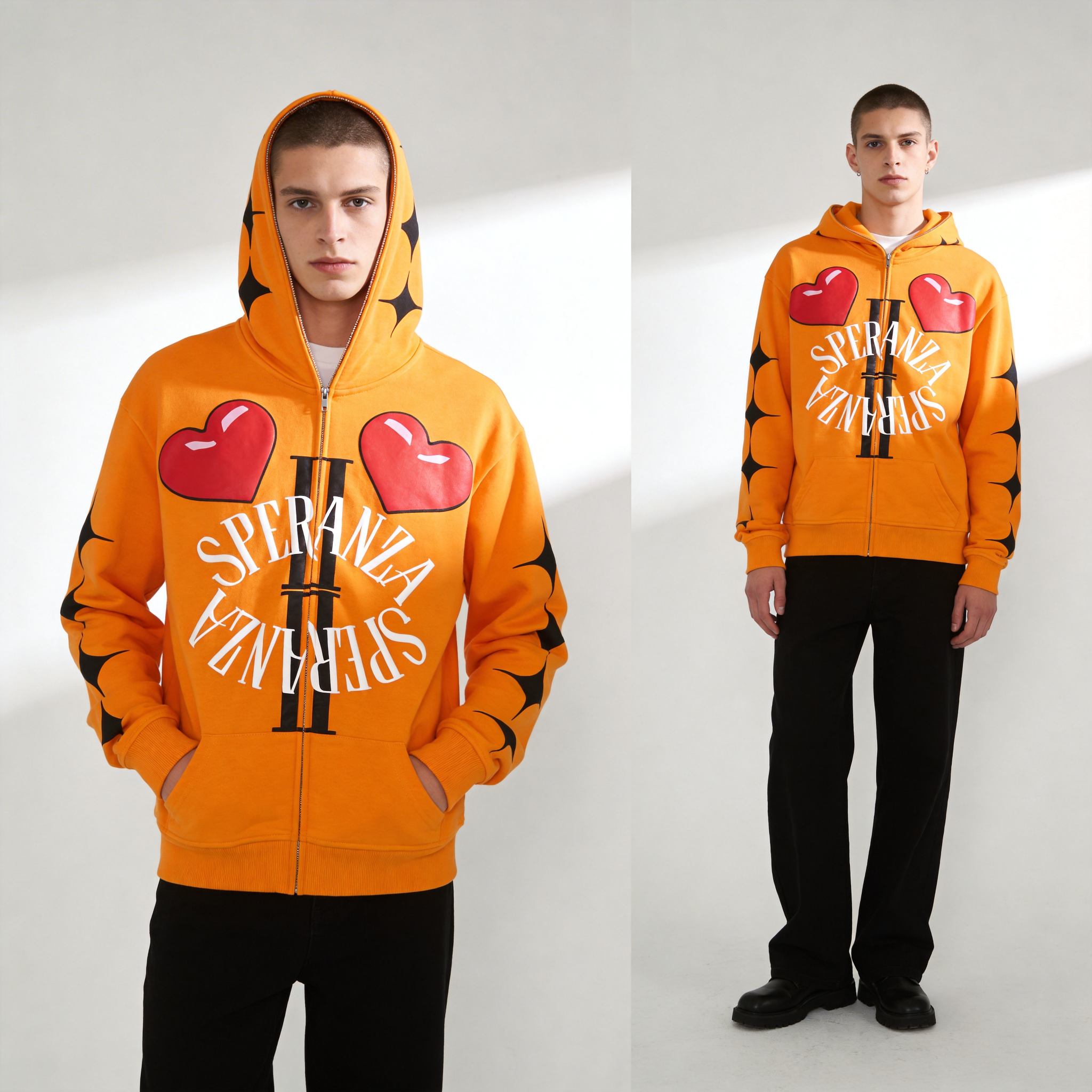
The workflow gap is measurable. ChatGPT delivers concepts in minutes. Converting those concepts to print-ready files takes 2–5 days of professional design work. Brands that skip this step ship pixelated, unprofessional products. The AI handles the creative spark; humans handle the technical execution that determines whether a shirt sells or sits in inventory.
ChatGPT vs. Dedicated Design Tools for Apparel
ChatGPT is a brainstorming partner, not a replacement for vector design software or professional graphic design platforms.
Each tool serves different stages of the design process. ChatGPT generates ideas and rough visual concepts. Design software transforms those concepts into files manufacturers print cleanly at any size. Confusing these roles creates production delays and quality problems.
| Tool | Concept Generation | Image Creation | Vector Export | Production Ready | Best For |
|---|---|---|---|---|---|
| ChatGPT (text only) | ⭐⭐⭐⭐⭐ | ❌ | ❌ | ❌ | Brainstorming, slogans |
| ChatGPT + DALL-E | ⭐⭐⭐⭐ | ⭐⭐⭐⭐ | ⚠️ Limited | ⚠️ Requires refinement | Concept mockups |
| Canva | ⭐⭐⭐ | ⭐⭐⭐ | ⭐⭐⭐ | ⭐⭐⭐ | Quick designs, templates |
| Adobe Express | ⭐⭐⭐ | ⭐⭐⭐ | ⭐⭐⭐⭐ | ⭐⭐⭐⭐ | Professional output |
| Specialized T-Shirt Platforms | ⭐⭐ | ⭐⭐ | ⭐⭐⭐⭐ | ⭐⭐⭐⭐⭐ | Print-ready files |
Start with ChatGPT for creative direction and messaging. Move to vector design software—Adobe Illustrator or Affinity Designer—for production-ready output. This workflow delivers the lowest unit cost ($2–4 per shirt at 500+ quantity), but only when files meet manufacturer specifications: CMYK color mode, 300 DPI resolution, vector format. Avoid relying solely on AI image generation for commercial apparel. Brands that follow this workflow ship products 30% faster than those attempting to use raw AI outputs.
5 Common Mistakes When Using ChatGPT for T-Shirt Design
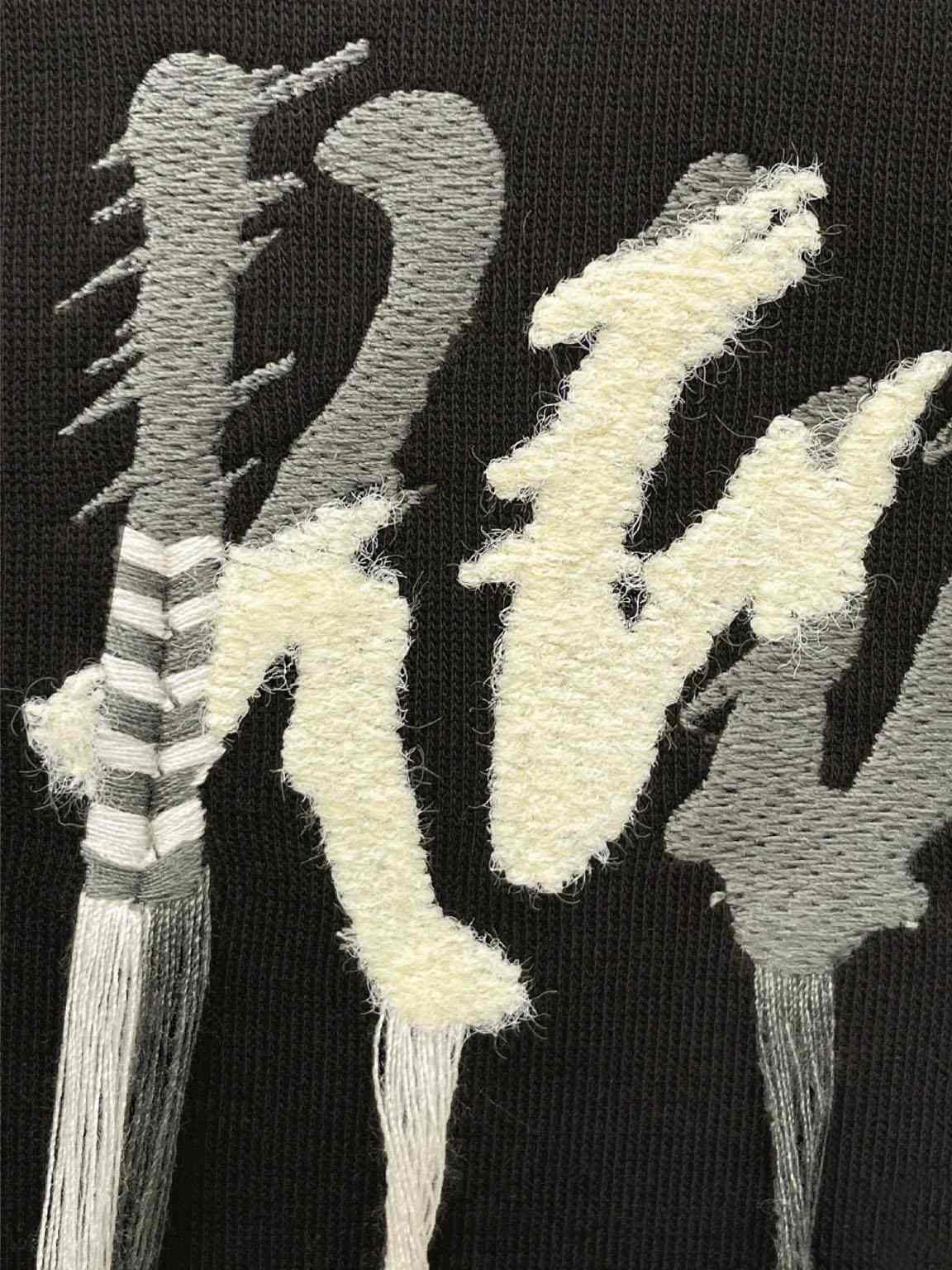
Most designers fail because they expect ChatGPT to replace professional design tools—it doesn’t.
Using Raw AI Images Without Vector Conversion
AI-generated images from DALL-E or Midjourney are raster files—pixels, not scalable lines. T-shirt printing requires vector formats (SVG, EPS, PDF) for clean, sharp output. Raw AI images pixelate when enlarged for print. Brands that submit 72 DPI PNG files expecting professional results receive blurry graphics and customer complaints. Always convert or redraw AI concepts in vector software before sending to manufacturers. The conversion step adds 1–2 days but prevents costly reprints.
Ignoring Copyright and Trademark Concerns
ChatGPT generates designs that accidentally replicate existing brands, logos, or copyrighted artwork. Using these designs commercially creates legal liability. According to Vexels’ 2026 analysis, AI tools lack built-in copyright verification. Always verify originality and secure design rights before production. When working with manufacturers, confirm they require copyright-cleared artwork to protect both parties.
Skipping the Human Refinement Step
AI generates rough concepts, not finished designs. Professional t-shirt design requires color correction, typography refinement, composition balancing, and brand alignment. Designers who skip this step ship low-quality products. Budget 40–60% of design time for human refinement after AI generation. This phase transforms a generic concept into a branded asset that commands premium pricing.
Underestimating Print Production Requirements
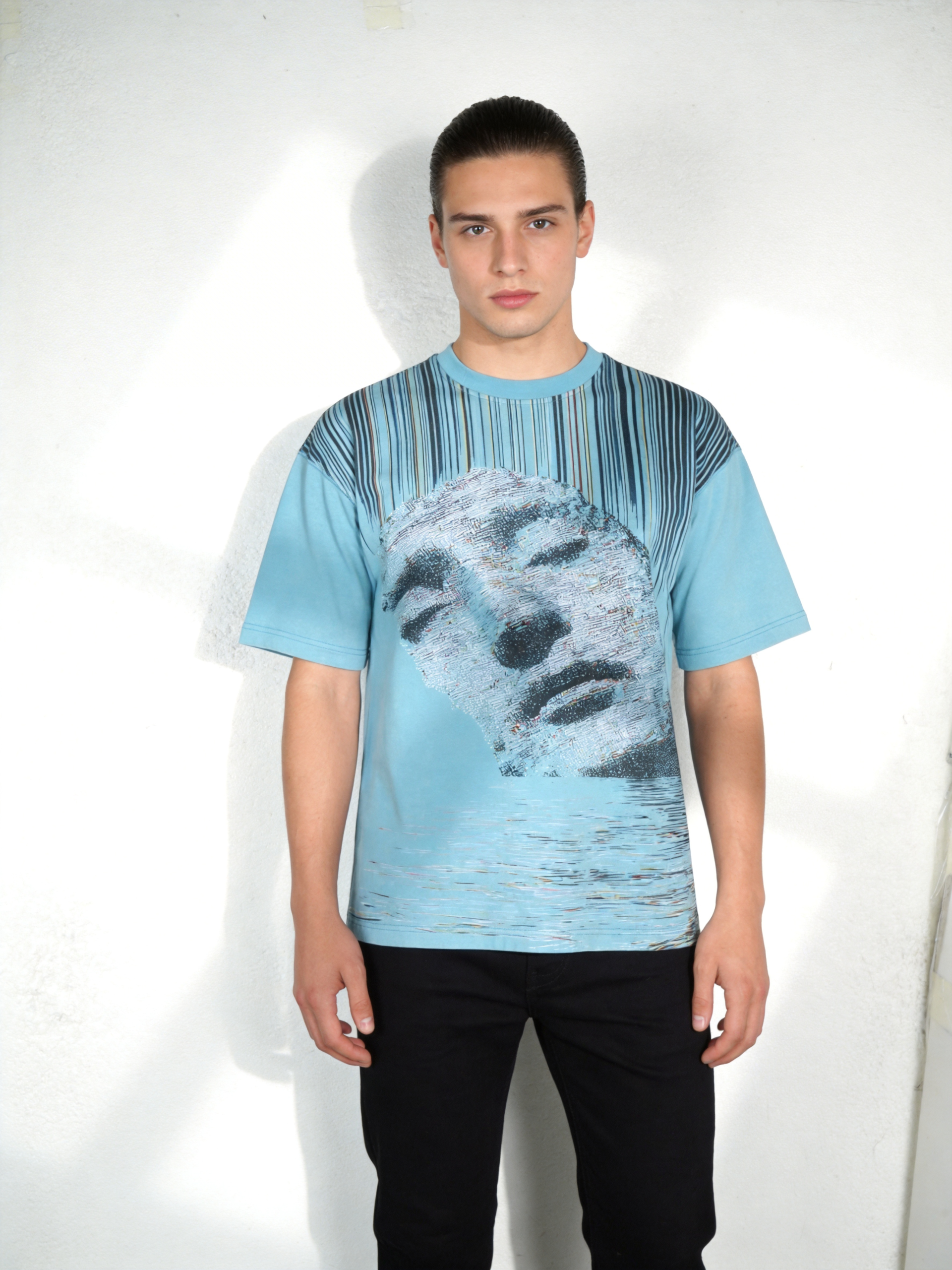
Screen printing, DTG printing, and embroidery each have technical constraints—color counts, resolution, positioning. AI designs often ignore these limits. Screen printing works best with 1–4 spot colors. DTG handles gradients and photographic detail. Embroidery requires bold shapes and avoids fine lines. Work with your manufacturer to confirm design specifications before finalizing artwork. We’ve adjusted 70% of first-time client files to meet production standards.
Relying on Text Prompts Without Design Knowledge
Vague ChatGPT prompts produce mediocre results. Designers who understand composition, color theory, and typography write better prompts and recognize when AI output needs revision. Design knowledge multiplies AI effectiveness. A prompt specifying “vintage 90s grunge aesthetic, distressed textures, muted earth tones, asymmetric composition” outperforms “cool retro design” by orders of magnitude.
How to Use ChatGPT for T-Shirt Design: A Step-by-Step Workflow
Combine ChatGPT brainstorming with professional design tools to create apparel that sells.
Generate Design Concepts and Slogans
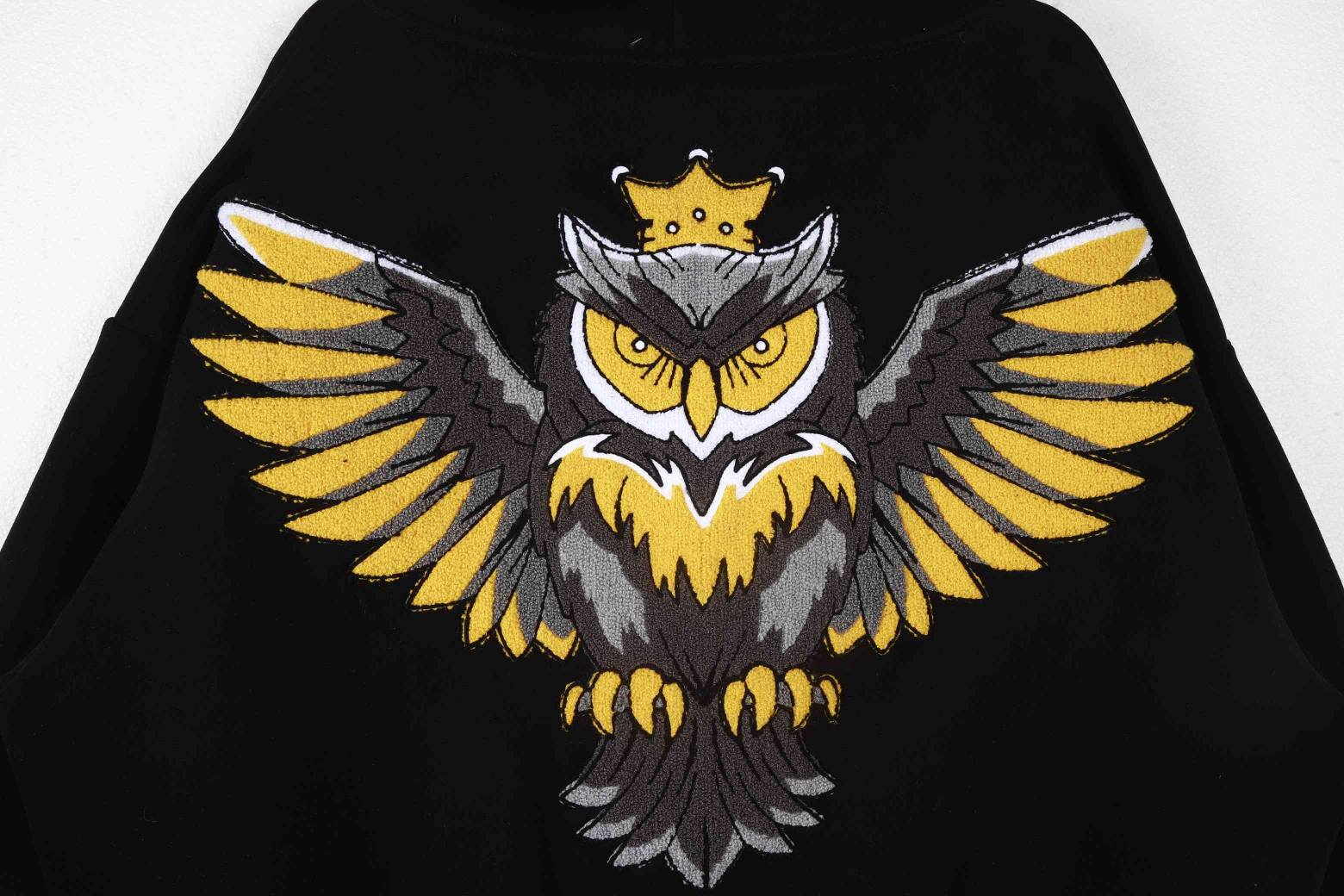
Use ChatGPT to brainstorm t-shirt themes, taglines, and visual concepts. Example prompt: “Create 5 vintage streetwear t-shirt concepts for a sustainable fashion brand targeting Gen Z. Include slogans and visual themes.” ChatGPT generates multiple directions faster than solo brainstorming, saving design time and expanding creative options. This approach cuts concept development from 3 days to 4 hours.
Refine Visual Direction with ChatGPT
Ask ChatGPT to describe design styles, color palettes, and artistic influences. Example: “Describe a vintage 90s grunge t-shirt aesthetic using specific colors, textures, and graphic elements.” This creates a design brief that guides the next steps—AI becomes your creative director, not your designer. The output provides concrete direction that eliminates vague client feedback.
Create Mockups with AI Image Tools
Use DALL-E, Midjourney, or similar platforms to visualize concepts. These tools generate realistic mockups of designs on t-shirts, helping clients approve direction before professional design work begins. Mockups accelerate feedback cycles and reduce revision rounds. Clients see the concept on a garment, not a blank artboard, which improves approval rates.
Convert to Vector Format
Export AI mockups and redraw them in Adobe Illustrator, Affinity Designer, or Inkscape. This step ensures crisp, scalable artwork suitable for all printing methods. Professional designers typically recreate AI concepts rather than directly converting raster files. The redraw process takes 2–4 hours per design but guarantees print quality across all production methods.
Prepare Print-Ready Files
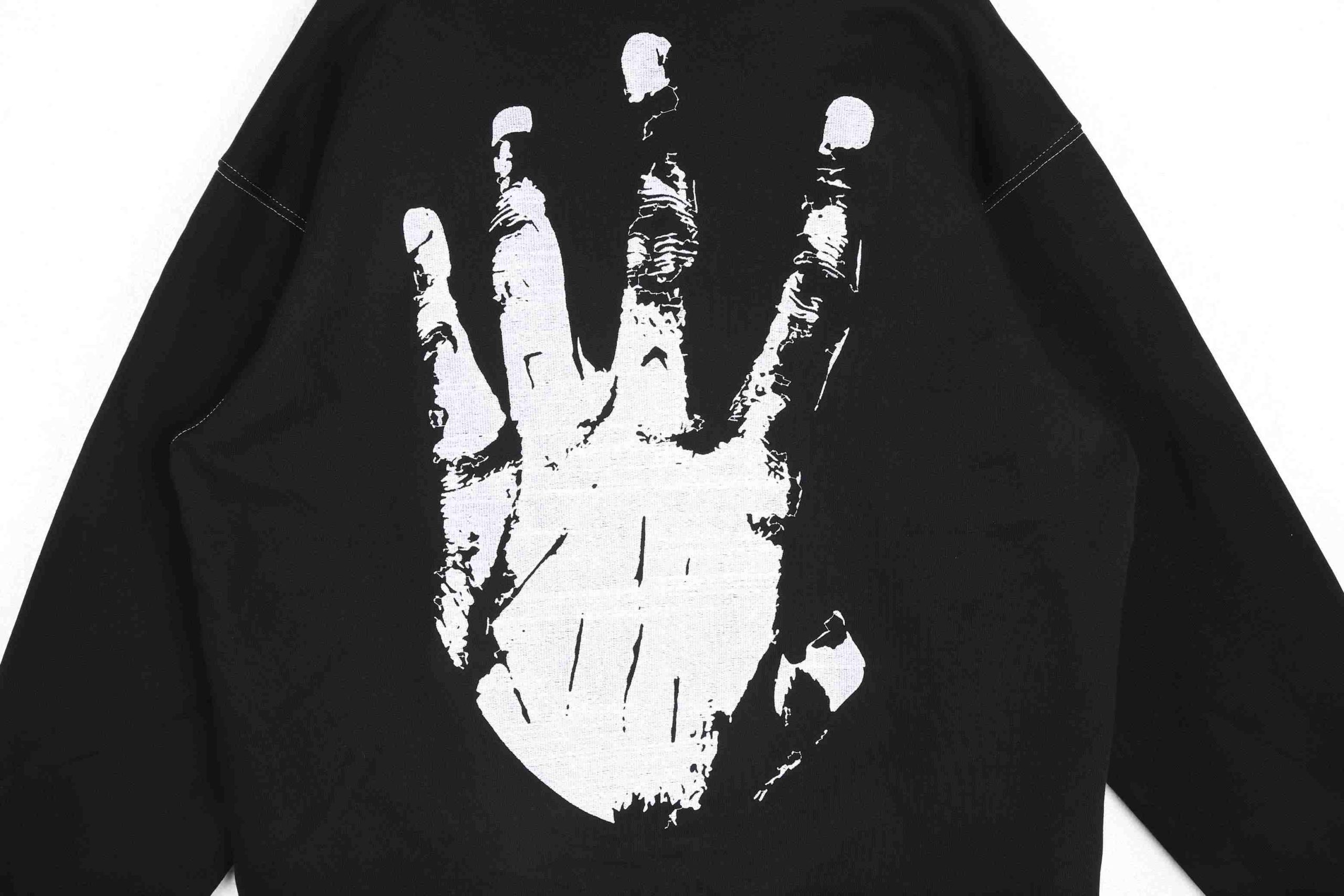
Work with your manufacturer to confirm file specifications: color mode (CMYK vs. RGB), resolution (300 DPI), format (PDF, EPS), and placement guidelines. Manufacturers handle final production quality, so accurate files prevent costly reprints. Standard placement sits 3 inches below the collar for adult tees, with 12×16 inch maximum print area for DTG.
T-Shirt Design Tools That Work Best With ChatGPT
ChatGPT pairs best with vector design software and specialized apparel design platforms. When creating Custom Tshirt Design, understanding how to combine these tools with AI brainstorming produces the strongest results.
ChatGPT + Adobe Illustrator delivers industry-standard results with full control over vector paths, color management, and typography. The learning curve is steep—expect 40+ hours to gain basic proficiency—but output quality justifies the investment for professional brands.
ChatGPT + Affinity Designer provides professional results at lower cost ($70 one-time vs. Adobe’s $55/month subscription). Excellent vector tools and intuitive interface make it ideal for designers transitioning from raster-based programs.
ChatGPT + Kittl streamlines the workflow with AI-friendly templates and simplified vector editing. Good for beginners launching first collections. Limited customization compared to professional software but fast setup.
ChatGPT + Canva offers the fastest setup with template-based workflows. Limited customization restricts complex designs. Best for simple text-based shirts or rapid prototyping before professional refinement.
For production, always export files as PDF, EPS, or SVG. Confirm color mode (CMYK for print) and resolution (300 DPI minimum). Professional manufacturers require these specifications for quality output across screen printing, DTG, and embroidery methods. Creating T-Shirt Designs for Scalable Production provides detailed guidance on optimizing artwork for manufacturing at volume.
FAQ
Q1: Can I use ChatGPT-generated images directly for t-shirt printing?
No. AI-generated images are raster files (pixels) and lose quality when enlarged for print. You must convert them to vector format or redraw them in design software before sending to manufacturers. This ensures sharp, professional output across all print methods—screen printing, DTG, embroidery. Vector files scale infinitely without pixelation.
Q2: Does ChatGPT own the copyright to designs I create?
OpenAI’s terms allow you to use ChatGPT outputs commercially, but you must verify the design doesn’t replicate existing copyrighted work. Always check for trademark conflicts and original artwork before production. When working with manufacturers, confirm they require copyright-cleared files to protect both parties from legal liability.
Q3: What file format does a t-shirt manufacturer need?
Most manufacturers require PDF, EPS, or SVG files in CMYK color mode at 300 DPI resolution. Confirm specifications with your manufacturer before finalizing designs. File format varies by printing method: screen printing needs spot colors, DTG supports full-color gradients, embroidery requires simplified vector shapes. Always ask for print-specific guidelines.
Q4: How long does it take to turn a ChatGPT concept into production-ready artwork?
Typically 3–7 days for a professional designer. ChatGPT brainstorming takes 1–2 hours. Vector conversion and refinement take 2–5 days depending on complexity. Working with experienced manufacturers accelerates this timeline through clear communication and technical guidance. Rush orders add 40–60% to design costs but compress timelines to 48–72 hours.
Q5: Can ChatGPT design apparel for different print methods?
ChatGPT describes design approaches for different methods but cannot automatically optimize files. Screen printing requires fewer colors and bold shapes. DTG supports detailed graphics and gradients. Work with your designer and manufacturer to optimize artwork for your chosen print method. We adjust 70% of first-time submissions to meet production specifications.
Sources
- Bolt Printing — Use ChatGPT to Design T-Shirts — 2026, practical workflows and customer trends
- Vexels Blog — ChatGPT for T-Shirt Design: What It Can and Can’t Do — 2026, capabilities and limitations analysis
- We Print U Press — 10 ChatGPT Prompts for Custom T-Shirt Business Owners — 2026, business-focused prompt strategies
- ChatGPT — FREE T Shirt Design Tool — OpenAI custom GPT for apparel design concepts
- ZORWILD Clothing — Professional T-Shirt Manufacturing — Custom apparel production and technical specifications
Written by Alin Zeng (27 Years of Master Craftsmanship & Pattern Making, Global OEM & Streetwear Customization Excellence, End-to-End Supply Chain & One-Stop Production, High-Efficiency Cost Control (“Quality + Affordability”), Incubating 2,000+ Fashion Brands from Scratch). Last reviewed 2026-06-28.